“Do we need FP&A software?” can mean several things. An owner may want to know why cash fell last month. A finance lead may need a budget for next year. An accounting firm may need approved, recurring reports for clients. Those are different jobs, so start with the decision you need to make.
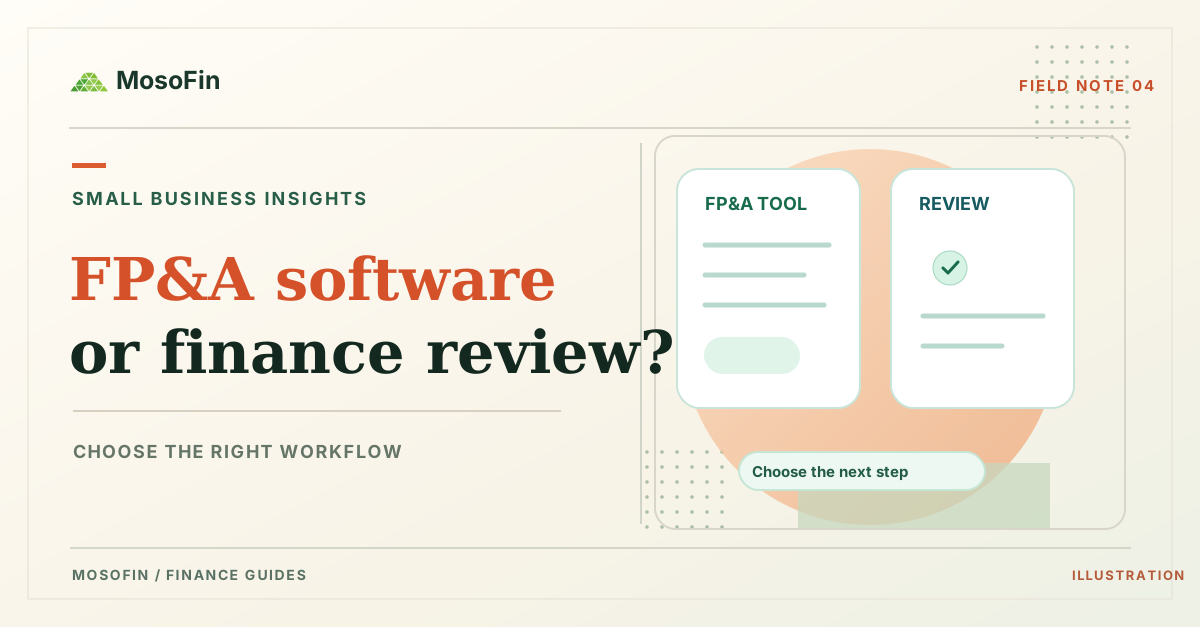
Quick answer: Use a source-level review to explain what happened. Use a budget or forecast to plan what could happen. Use a dedicated FP&A or reporting system when your team needs maintained versions, approvals, recurring report packs, or formal group reporting.
Match the tool to the question
| Your question | Useful first step | What still needs a person |
|---|---|---|
| Why did last month’s profit or cash change? | Review the relevant P&L, cash, invoice, bill, or payment records | Check report settings, exceptions, and the explanation |
| How did actual spending compare with our plan? | Run a budget-versus-actual report if your system supports it | Confirm the approved budget version and explain variances |
| Can we afford a hire in three months? | Build a forecast with dated receipts, payments, and assumptions | Review scenarios, cash needs, and decision authority |
| Can we send one consolidated group statement? | Use a controlled consolidation process | Approve mappings, eliminations, currency treatment, and final statements |
The U.S. Small Business Administration’s planning guide describes financial projections as a separate part of a business plan, including forecast income statements, balance sheets, and cash flow statements. A past-month review can inform those projections, but it is not the forecast itself.
Check what your accounting system already does
QuickBooks Online has budget features on eligible plans. Intuit’s US budget guide describes budgets and a budget-versus-actual report. It states that the budgeting feature is available in QuickBooks Online Plus and Advanced. Check your current plan and permissions before adding another tool.
Suppose your team budgeted $20,000 for October operating expenses and recorded $24,000 in actual expenses. The $4,000 difference tells you where to investigate, not why it happened. Look at the account detail and confirm whether timing, a one-time purchase, or a category change explains the difference. These are illustrative numbers; no customer result is implied.
If your question instead is “Will we have enough cash to pay the next three payrolls?”, use a dated cash-flow model. Our cash-flow forecast guide shows the inputs and refresh steps. MosoFin does not publish a forecasting module.
Where MosoFin fits
MosoFin fits the source review step. A permitted user can ask a supported AI assistant about connected QuickBooks, Xero, or other available source data in a selected workspace. MosoFin can help surface figures and records for a person to check. The available data and tools depend on your account, permissions, plan, and workspace. Its source access is read-only.
For the $4,000 illustrative variance, a useful request is: “Show October actual operating expenses by account, the budget report settings, and the largest differences. List source reports and unexplained items. Do not change the books.” A person must confirm the approved budget and investigate the accounts before using the result.
Check the plan and trial terms before connecting a source. The trial has a one-time $0.99 activation fee; the selected plan starts on day 15 unless you cancel.
Choose a dedicated FP&A or reporting system when your deliverable needs managed forecast versions, approvals, repeated client report packs, or formal consolidation. Multi-entity comparison is not a consolidated statement. Those boundaries also matter if you use both types of tools.
Frequently asked questions
Can MosoFin replace FP&A software?
No. MosoFin supports read-only questions about permitted source data. It does not publish a maintained forecasting, budget-approval, or consolidated-reporting system.
When do I need a forecast rather than a financial review?
Use a forecast when a decision depends on future assumptions, such as expected receipts, payments, hiring, or demand. Review the model and its inputs regularly.
Can I use QuickBooks budgets before buying another planning tool?
QuickBooks Online supports budgets on eligible plans. Check Intuit’s current plan and feature documentation for your account.