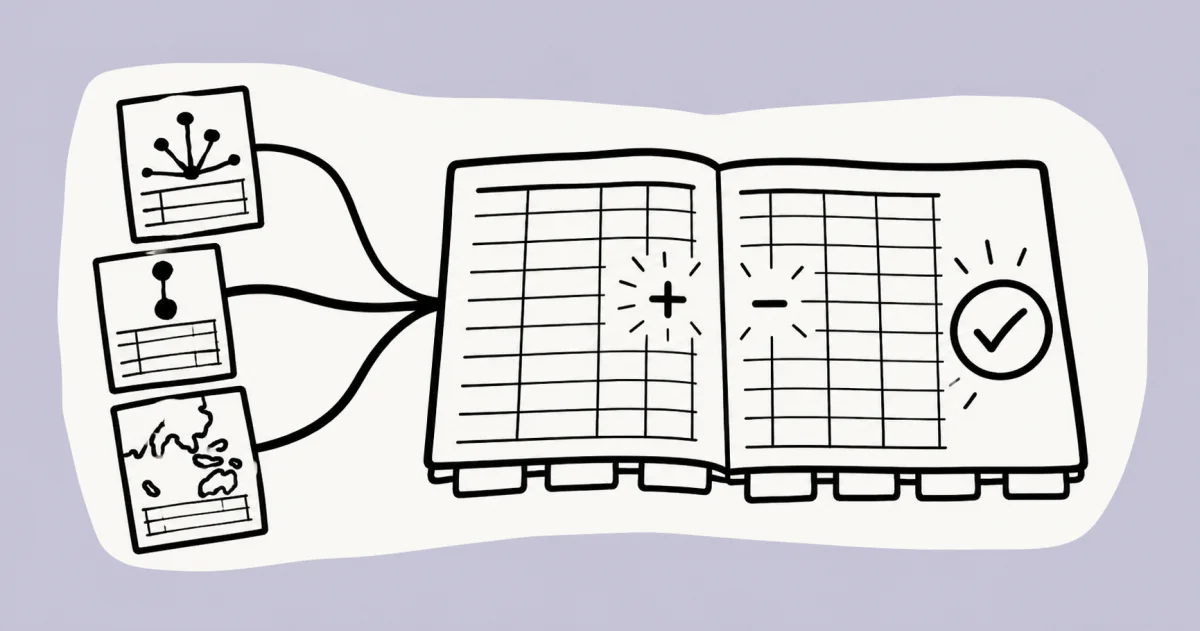






Review this workspace for unusual expenses, uncategorized transactions, overdue invoices, and material month-over-month changes. Group findings by entity, cite the available source records, flag missing information, and do not change the source system.
Start with the finance job—not the software menu.
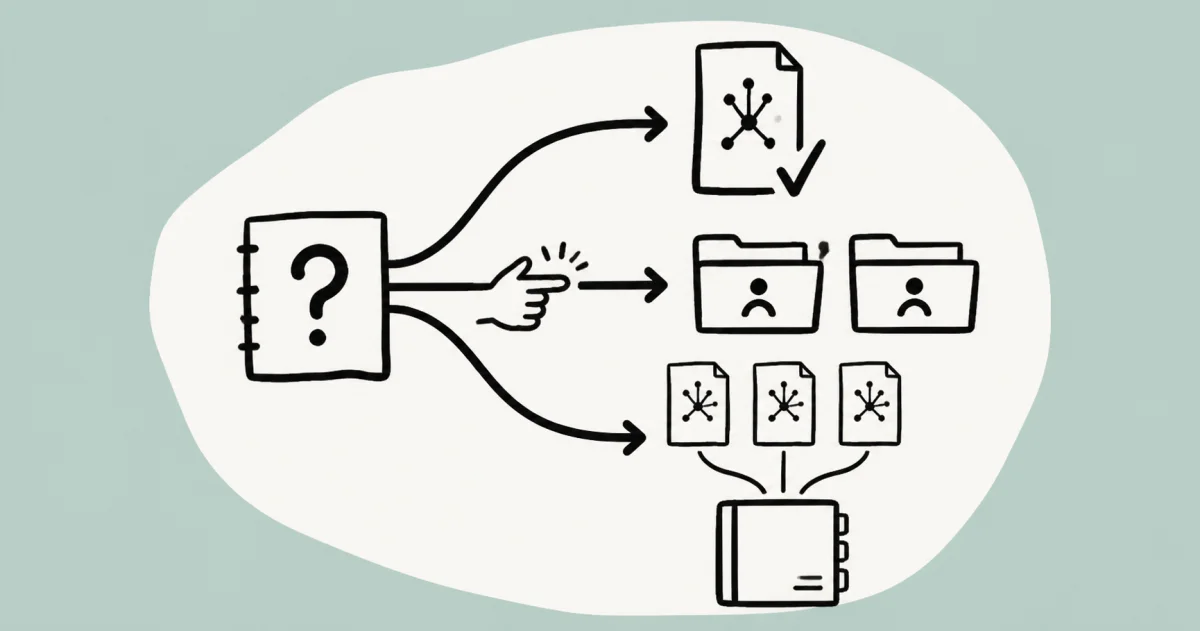
Choose a review, check the supporting records, and decide what needs follow-up.
Watch MosoFin prepare the review.
One question. Authorized records. A source-linked result ready for a person to review.
Illustrative workflow data. Production answers use only sources and workspaces you authorize, subject to connector availability.
Preview only · follow-up chat is available in MosoFin.
Multiple entities and sources—kept separate.
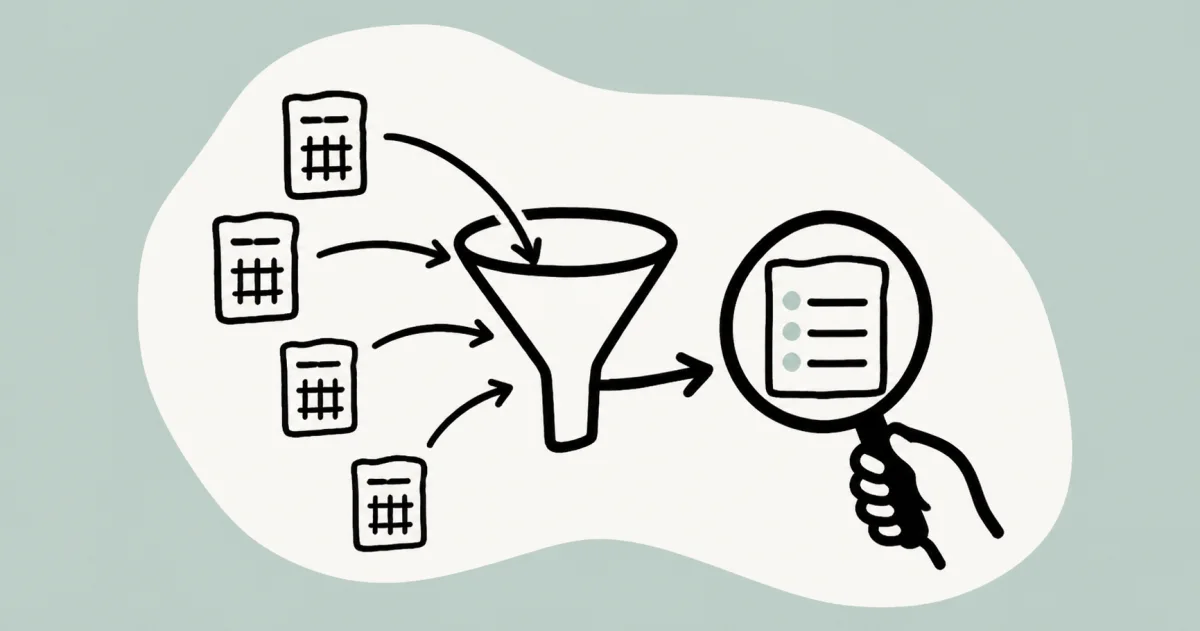
Bring the accounting and payment context into one review surface, then keep every entity, currency, and source record visible. MosoFin prepares the comparison; a person decides what needs follow-up.
Swap the AI. Your books stay plugged in.
Connect your books to MosoFin, then use a supported AI destination to review the permitted data. Your workspace and source permissions stay with MosoFin.
Start with a question in the books.
Use these guides to investigate a balance, explain a change, or repeat a reviewed method.
Prompts to copy and use now.
Choose a workspace in MosoFin, copy a starting prompt, and adapt the period or materiality threshold to your review.
Compare revenue, gross margin, operating expenses, and cash across the selected entities. Keep every entity separate, explain the largest changes, cite the available source records, and do not create a consolidated total.
Run the monthly client review for this workspace. Summarize material findings, list open questions, cite source records, and prepare a plain-language draft for the accountant to review before sharing.
Review open invoices by aging band, flag material overdue balances, show the customer and invoice source for every item, and draft follow-up notes. Do not contact customers or change invoice records.
When more than one set of books is involved
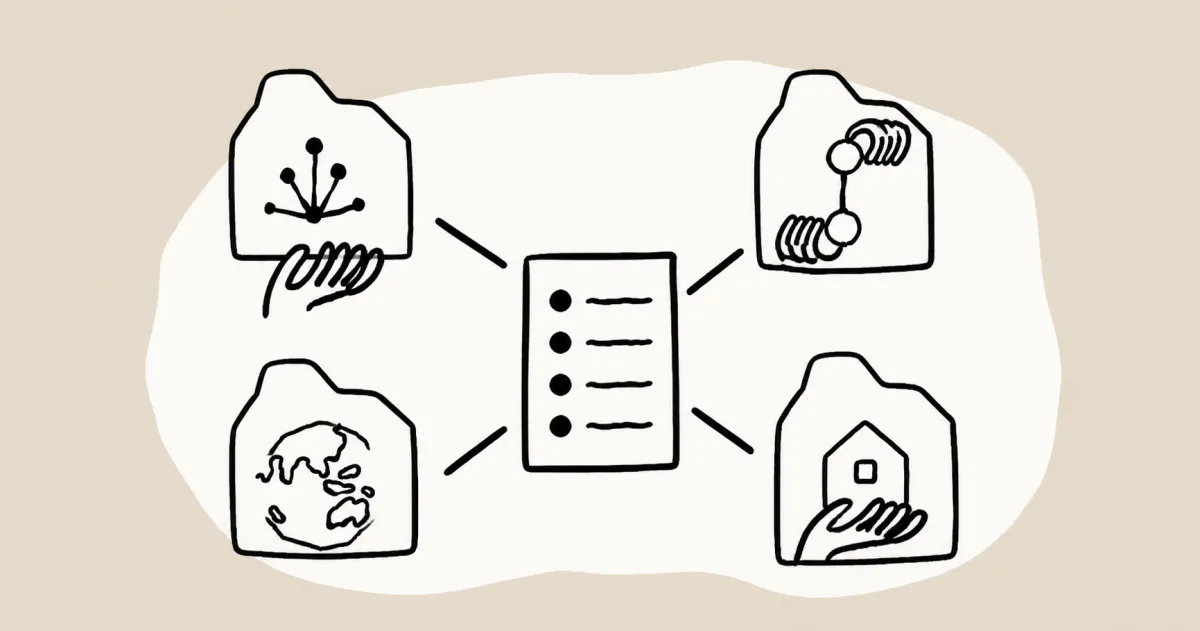
Choose a workflow based on whether you are reviewing selected entities, serving separate clients, or need formal multi-entity reporting controls.
WorkflowReview uncategorized transactions across workspaces
Find posted exceptions, trace each source record, and prepare a clean question list without changing or combining the books.
Open workflow →
WorkflowClaude Fable 5.1 financial forecast workflow
Build a reviewable forecast artifact from authorized QuickBooks data with visible assumptions, backtesting, and human approval.
Open workflow →
WorkflowMulti-entity financial analysis
Review authorized company data across the entities or workspaces you deliberately select.
Open workflow →
WorkflowMulti-client financial review workflows
Keep client workspaces separate while using a consistent, reviewed method across a portfolio.
Open workflow →
WorkflowReporting or selected-workspace analysis?
Understand when a read-only cross-workspace review fits and when formal consolidation is required.
Open workflow →Choose the AI connection and review pattern
Client work needs separate permissions, clear source scope, and an accountable reviewer. Explore the available connection guides, then choose the workflow that fits the question.
Claude for accountants
Use Claude for client financial review without giving it control of the books.
QuickBooks MCP for Claude
Understand the MosoFin connection, permissions, and read-only data boundary.
Connect MosoFin to Grok
Set up MosoFin as a custom MCP connector and confirm the QuickBooks workspaces you are authorized to review.
Practical resources and further reading
Connect MosoFin to Claude
Watch the 20-second connection flow from Claude to an authorized, read-only financial workspace.
Explore →Save and reuse a financial review workflow
Watch a reviewed P&L variance method become a Saved Skill and run again with current authorized data.
Explore →Review read-only controls and activity history
See which financial data tools are allowed, which operations stay blocked, and how workspace activity is recorded.
Explore →Multi-client month-end review checklist
A practical web checklist for scope, report validation, investigation, and follow-up ownership.
Explore →Grok month-end review workflow
Prepare a source-linked QuickBooks exception list in Grok, then hand the review to a person.
Explore →Compare reporting tools and AI workflows
Choose among reporting suites, consolidation systems, AI platforms, and a conversational review workflow.
Explore →Finance Hub
Explore finance terms, cited guides, and review workflows.
Explore →MosoFin Blog
Read practical guides for reporting, bookkeeping review, multi-client work, and cash flow.
Explore →Public financial review prompt library
Use open, read-only starting prompts for P&L, cash, A/R, multi-client, and selected-company review.
Explore →