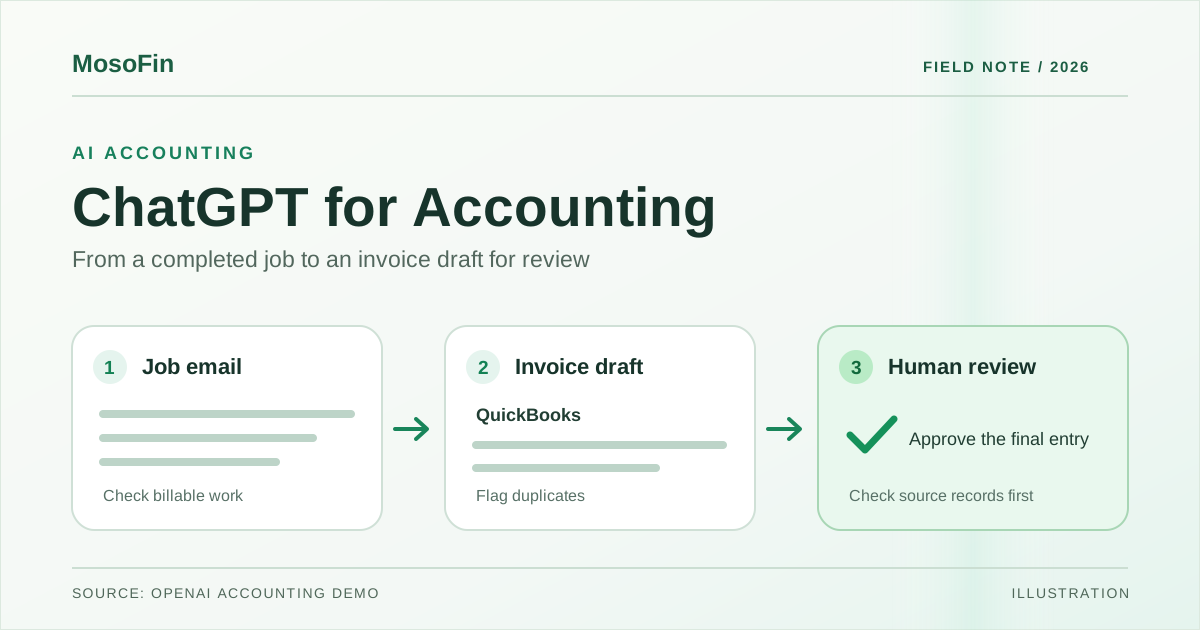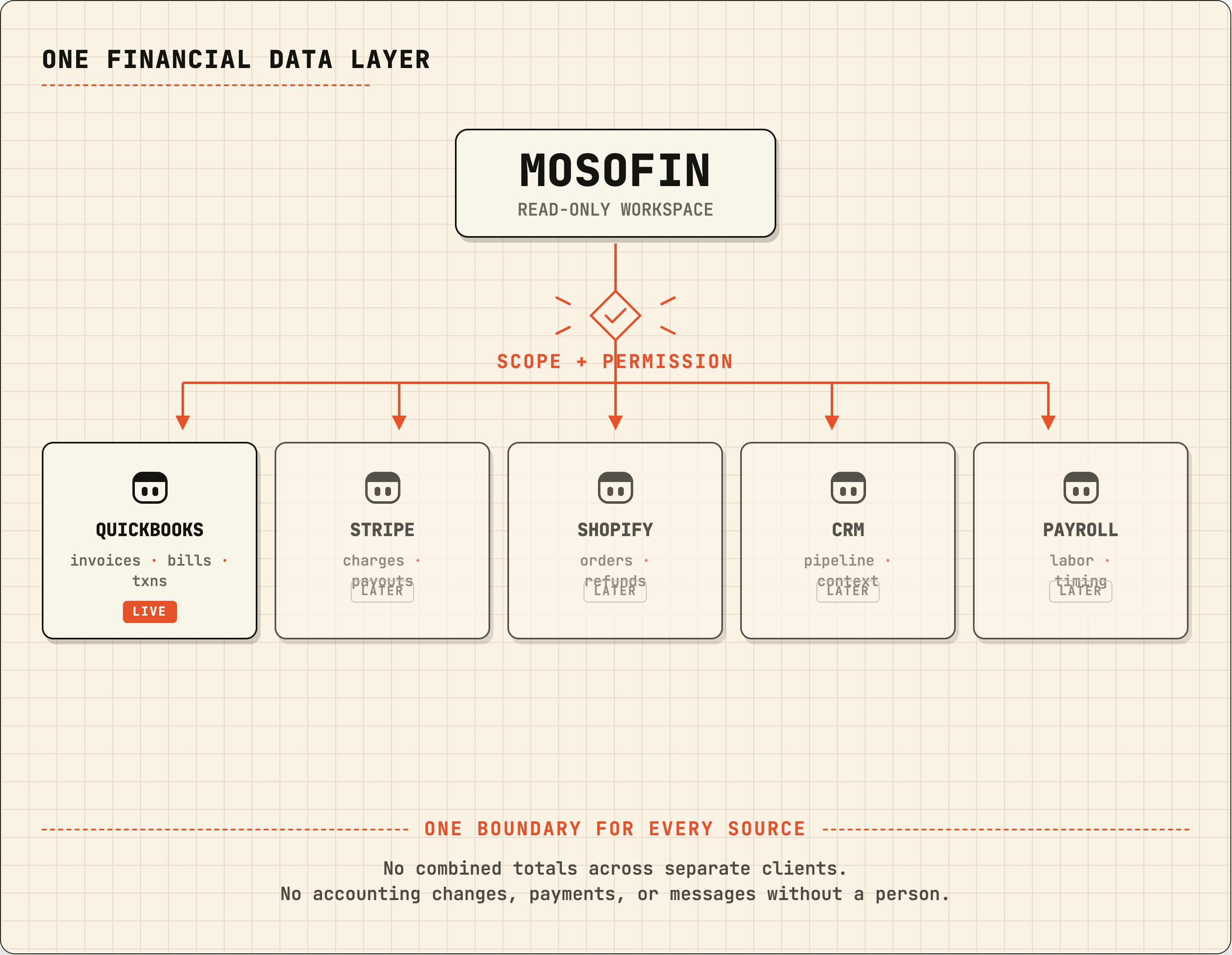
MosoFin’s Grok connector can prepare a month-end exception list from QuickBooks workspaces you are authorized to access. A person still reviews the books and decides what to change.
Before the review, connect MosoFin as a custom connector in Grok and ask it to list your MosoFin workspaces. Confirm that the result shows only the workspaces you expect. The Grok setup guide explains the connection and authorization steps.
The job Grok can prepare
Grok can collect permitted records for a defined period, group exceptions by workspace and entity, link findings to source records, and flag missing data.
For example, the requested result could include:
- unreconciled accounts;
- uncategorized transactions;
- overdue invoices and unapplied credits;
- unusual vendor or expense changes; and
- missing documents or incomplete records.
The bookkeeper, controller, or owner decides what needs follow-up and whether to make changes directly in QuickBooks. MosoFin cannot make those changes.
A month-end workflow
- Choose the review period and workspaces. The professional selects the authorized MosoFin workspaces and states the reporting period.
- Retrieve only the permitted QuickBooks records. MosoFin supplies read-only data from the QuickBooks entities connected to those selected workspaces.
- Create an exception list. Grok groups the findings by workspace and entity. Each item should show the date, amount, account or category, source record, and why it was flagged.
- Separate facts from questions. Grok can identify an unexplained transaction or a bank account that has not been reconciled. It should label that as an item to review rather than invent an accounting conclusion.
- Hand the packet to a person. The bookkeeper, controller, or owner reviews the list, requests follow-up analysis, and decides what happens next.
Example instruction
Review the selected authorized workspaces for the [month and year] close. Prepare a source-linked exception list for unreconciled accounts, uncategorized transactions, overdue invoices, unapplied credits, and unusual expense changes. Group results by workspace and entity. For each item, show the source record, what is incomplete or unusual, and the next question for review. Do not change QuickBooks, contact customers, create journal entries, or combine totals across workspaces.
This asks for evidence and review questions, not accounting decisions.
Keep the connector scope clear
This workflow covers MosoFin’s custom MCP connector in Grok. Grok Bot is a separate product; xAI says Bots can use connectors where available, but do not assume this connector is enabled for your Bot or team. Check your account’s connector availability before planning a recurring workflow. Any QuickBooks changes or customer contact happen outside MosoFin and require the responsible person’s review.
Sources
- MosoFin, Connect MosoFin to Grok
- xAI, Grok connectors
- xAI, Grok Bot overview