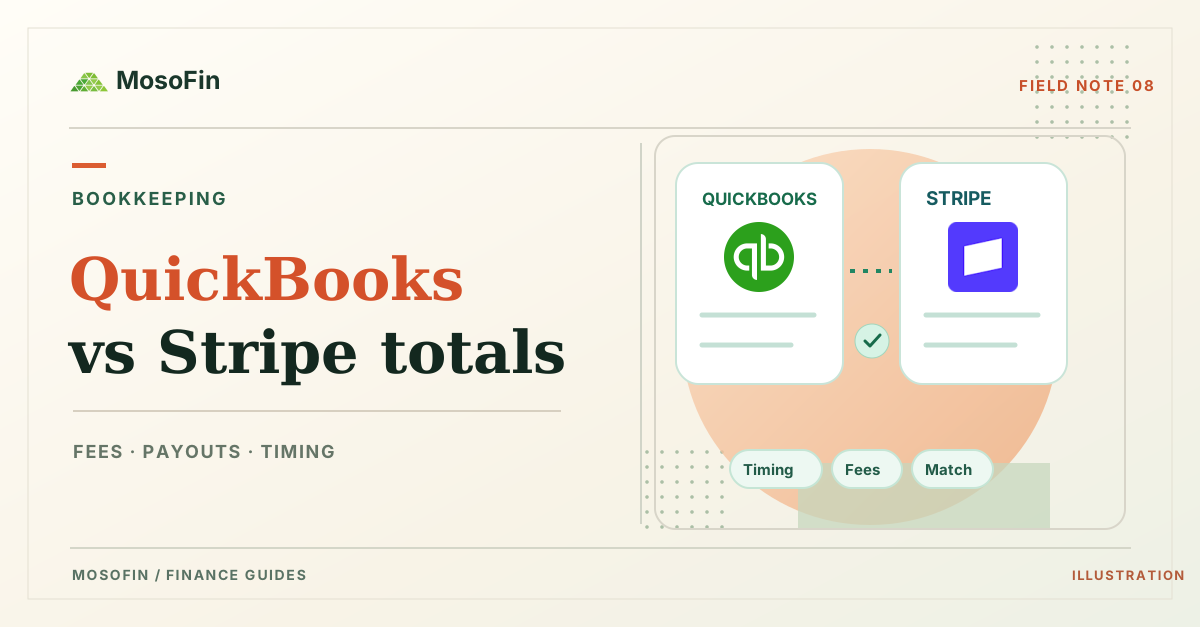
Your Stripe dashboard, bank deposit, and QuickBooks report can show different amounts for the same stretch of business. They may be measuring different steps: a customer payment, a Stripe balance change, a payout, or recorded revenue. Do not add those figures together or decide that one is wrong before you trace the records.
Quick answer: Select one payment or payout. Check its date, gross amount, fees, refunds, and net amount in Stripe. Find the related sales, fees, and deposit in QuickBooks. Confirm the report period and accounting basis before comparing totals. An authorized person must resolve any accounting difference.
A simple example: $100 received, $97 paid out
Suppose a customer pays $100 and Stripe later sends $97 to the bank. A $3 processing fee could explain the difference in this illustrative case. It is not proof of what happened in your account. A refund, dispute, adjustment, or different payout date could also affect the amount.
The $100 payment and $97 payout answer different questions. The payment shows what the customer paid. The payout shows what Stripe transferred to the bank after the items included in that payout. Stripe recommends its payout reconciliation report for the transaction detail behind automatic payouts. It says manual payouts do not have the same direct transaction-to-payout mapping.
| Check | Stripe record | QuickBooks or bank record |
|---|---|---|
| Identity | Payment ID and payout ID | Sales receipt, invoice payment, or linked deposit |
| Amount | Gross payment, fee, refund, adjustment, net payout | Recorded sale, fee expense, and bank deposit |
| Time | Payment date, balance date, payout date | Transaction date, deposit date, report period |
| Scope | Stripe account and currency | QuickBooks company, bank account, and currency |
MosoFin helps you review available records. It does not reconcile or change either system. The trial and plan terms explain the $0.99 activation fee and what follows the 14-day trial.
Five checks before you change the books
- Choose the same transaction or payout. A monthly dashboard total can include more than the deposit you are investigating. Stripe’s payout reporting options explain which report answers each question.
- Separate gross, fees, and net. In Intuit’s US Stripe integration guide, a payout can link individual sales and fees to a bank deposit. Check how your own QuickBooks setup recorded them.
- Check dates and report settings. A payment near month end may reach the bank in another period. Compare the same company, currency, date range, and cash or accrual basis where relevant.
- Look for an existing QuickBooks record. Intuit’s US bank-matching guide explains that matching a bank transaction to a recorded payment helps prevent duplicates. Have the person responsible for the books decide whether to match, categorize, or correct it.
- Document the unresolved amount. Keep the source IDs, date, amount, and reason you suspect. Escalate an unexplained balance instead of forcing a match.
Where MosoFin fits
MosoFin connects to QuickBooks and Stripe for permission-scoped, read-only review. You can ask a supported AI assistant to retrieve the available records for a selected workspace and list the differences that need a person to check. Available records and tools depend on your account, permissions, plan, and workspace. MosoFin does not post entries, match bank transactions, or reconcile accounts.
For example, ask: “For this workspace, show the Stripe payout dated November 2 and the related QuickBooks deposit. List the source IDs, gross payments, fees, refunds, net payout, dates, and any missing record. Keep the amounts by source. Do not change either system.” Check the answer against the original records before you act.
Frequently asked questions
Why is my Stripe payout smaller than the payment amount?
A payout can reflect fees, refunds, disputes, or other balance adjustments. Check its transaction detail before assigning a cause.
Does MosoFin reconcile Stripe with QuickBooks?
No. MosoFin can help review authorized source records read-only when the relevant tools are available. A person must verify and reconcile the books.
How can I try a cross-source review?
Choose a plan that supports both connections. The 14-day MosoFin trial has a one-time $0.99 activation fee; the selected plan starts on day 15 unless you cancel.