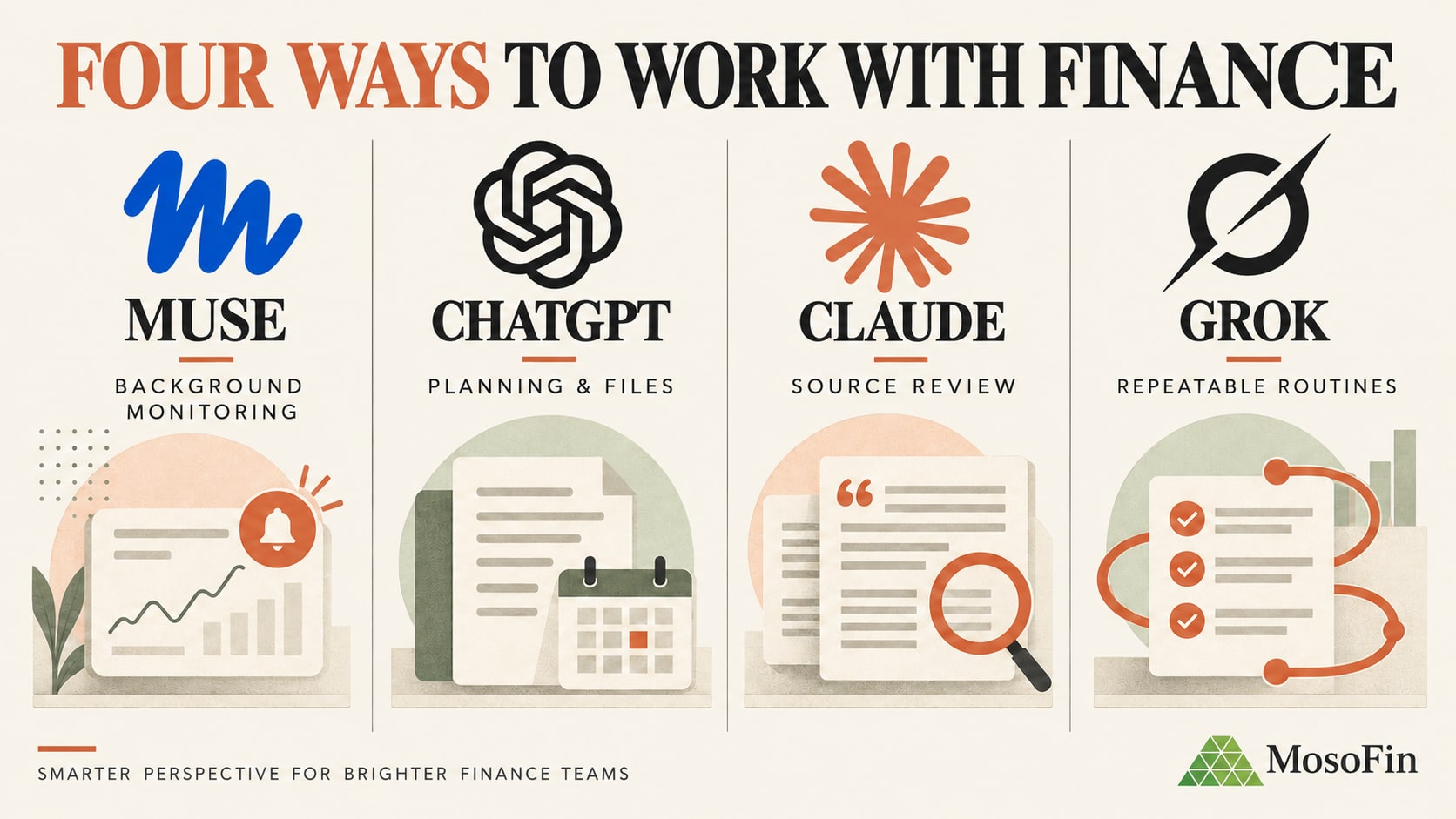
Claude can help with the work around accounting: gathering files, matching records, comparing periods, and drafting explanations. A person still needs to check the numbers and make the decisions.
Quick answer: Start with a repetitive task that is easy to verify. Limit Claude’s data access, check its work, and require approval before it changes records or contacts anyone.
Before connecting financial accounts or folders, read our companion guide: Is Claude safe for business financial data?
Where Claude fits in a small-business finance workflow
Claude is strongest between the system of record and the final decision.
| Workflow stage | Good use of Claude | Keep with a person |
|---|---|---|
| Collect | Find and organize approved source files | Decide which systems and folders Claude may access |
| Prepare | Match records, classify exceptions, format schedules | Approve accounting treatment and resolve unclear items |
| Review | Compare periods, identify outliers, draft questions | Determine whether an issue is material or requires correction |
| Explain | Draft variance commentary and owner-ready summaries | Confirm the explanation is complete and appropriate for the audience |
| Act | Prepare a proposed follow-up list | Send payments, change books, file returns, or contact customers |
Anthropic’s Claude for Small Business package adds Cowork workflows and connectors for QuickBooks, PayPal, Google Workspace, Microsoft 365, and DocuSign. A connector is not a finance control: set an approved workflow and assign a reviewer.
1. Prepare invoices for accounting review
Claude can use approved coding history to propose invoice codes and flag unfamiliar descriptions instead of guessing.
In one public example, Andy Mellor used Claude Cowork to prepare Xero invoice codes from six months of history. He reported saving three to four days of manual work a month; the team still checked uncertain items.
A safer workflow is:
- Export the invoices and the approved coding history.
- Ask Claude to propose codes using only that reference.
- Require a confidence flag and explanation for every exception.
- Have finance approve the upload before anything reaches the ledger.
2. Match receipts to bank and card activity
Receipt preparation is a document-control problem before it becomes an accounting problem. Files arrive with meaningless names, statements use different merchant descriptions, and missing support is often discovered at month end.
One business owner shared a Cowork workflow that renamed invoices, matched them to bank and card exports, and flagged unsupported charges. The owner reported saving hours or days of monthly cleanup after setup.
Claude should prepare the match list, not decide whether an unsupported charge is deductible or correctly classified. That determination belongs with the bookkeeper, accountant, or tax professional.
3. Reconcile data between operating and accounting systems
A reconciliation often means comparing two exports that use different identifiers, date conventions, and amounts. Claude can normalize the files, match clear records, and prioritize the remaining exceptions by value.
Alice Cheng demonstrated a Claude Cowork workflow comparing Xero and Shopify data in a color-coded review file. The method can also support bank, settlement, sales-platform, and three-way reconciliations.
Always require control totals:
- Record count from each source
- Total value from each source
- Value and count of matched records
- Value and count of unresolved records
- Explanation of every transformation applied
If the totals do not reconcile, the workflow is not finished.
4. Process commissions and other recurring calculations
Commission schedules combine exports, business rules, exceptions, and manager approvals. That makes them suitable for structured preparation, but risky for unsupervised execution.
Finance professional Tammy Martin reported cutting commission processing from six hours to 15 minutes with Claude Cowork.
For a dependable process, store the approved rules separately from the transaction data, make every formula visible, and compare the calculated total with the prior period. Changes to rates, eligibility, or payment instructions should require explicit approval.
5. Assemble recurring investor and management reports
Many recurring reports do not need to be rewritten from a blank page. The better workflow starts with the previously approved report and updates only what changed.
In an anecdotal Reddit discussion, a contributor described updating reports for six property projects from emails and transcripts, using the prior approved report as a baseline. They reported cutting two to three days of work to about an hour of review.
Keep the established format, and substantiate claims made to investors, lenders, or a board.
6. Draft variance commentary for FP&A
Good variance commentary explains what changed, why, whether it may continue, and what decision follows.
In Anthropic’s published case study, large company Advantage Solutions reported that one FP&A workflow covering forecast slides, commentary, and validation fell from about 10 hours to less than 30 minutes. Treat it as an enterprise example, not a small-business benchmark. The finance leader described the shift as moving time back toward insight and decision-making.
A reusable variance review should ask Claude to separate:
- Price, volume, mix, timing, and one-time effects
- Favorable results from sustainable improvements
- Unfavorable results from data-quality problems
- Observed facts from hypotheses that need confirmation
- Material movements from noise
7. Review overdue invoices and cash-flow pressure
Claude can rank receivables by amount, age, customer concentration, and recent movement, then explain why overdue balances are not available cash.
The source still matters. Run the review against a consistent A/R aging date, investigate credits and disputes, and reconcile unexplained differences before acting. Our 15-minute QuickBooks overdue-invoice review provides the full control sequence.
Claude may prepare a follow-up list. Customer contact, payment promises, collections decisions, and changes to the books remain human responsibilities.
8. Explain financial results in plain language
Claude can explain a P&L, cash-flow change, margin shift, or balance-sheet issue in plain language and suggest questions for the owner.
Ask Claude to cite figures and label inferences; adapt the explanation to the audience without changing the underlying numbers.
Four checks for repeatable workflows
Use the same checks for each workflow:
- Use a trusted source. Start with an approved report, policy, coding history, or prior deliverable.
- Limit scope. Specify the client, period, accounts, and tools.
- Expose exceptions. Request control totals, unresolved items, and explanations for changes.
- Require review. A responsible person checks the result before sharing or acting on it.
How MosoFin participates
Claude is the work environment. MosoFin adds a read-only connection to authorized QuickBooks data. Each client or company has a separate workspace for questions and reusable reviews, with a workspace-level record of data reads. MosoFin cannot change the books; corrections and approvals stay with the responsible person. It does not replace QuickBooks, payroll, tax software, or professional judgment.
Start with one measurable workflow
Choose a repeated task with a clear definition of correct. Record time, errors, and review effort; test Claude on a data copy with a responsible reviewer.
Good first projects include an A/R review, receipt-support checklist, recurring variance commentary, or a monthly reporting draft. Avoid starting with journal-entry posting, payroll submission, tax filing, or payments.
Frequently asked questions
What finance tasks can a small business give Claude?
Claude can help prepare reconciliations, organize supporting documents, compare periods, draft variance commentary, assemble reporting packs, and explain financial results. A qualified person should validate the source data and approve the output.
Can Claude replace a bookkeeper or accountant?
No. Claude can reduce preparation and review work, but it does not replace professional judgment, accounting controls, tax advice, or responsibility for the books.
Can Claude connect to QuickBooks?
Claude can work with QuickBooks through approved connectors. MosoFin provides a separate read-only financial data layer for asking questions and running reusable reviews without writing changes back to QuickBooks.
Is Claude accurate enough for financial reporting?
Claude can produce useful analysis when it receives reliable data and clear instructions, but its output can still be incomplete or wrong. Reconcile totals to the system of record and require human review before sharing a report.
Should Claude be allowed to post journal entries or send payments?
High-consequence write actions should remain behind explicit permissions, established approvals, and professional review. A read-only workflow substantially limits the potential impact of an error.
How should a small business start using Claude for finance?
Start with one repetitive, reversible workflow that has a known baseline and a clear reviewer. Measure time saved, document the method, and expand only after the output consistently reconciles to the source.