If you run two businesses, a single dashboard total can hide which one needs attention. The useful unit of review is one business, one reporting period, and one source at a time. MosoFin’s three-minute tutorial shows that workflow with separate workspaces and follow-up questions in ChatGPT and Claude.
Watch MosoFin’s Manage Multiple Businesses with AI tutorial. The businesses in the film are sample businesses, and the AI replies are simulated for the demo. They are not customer results.
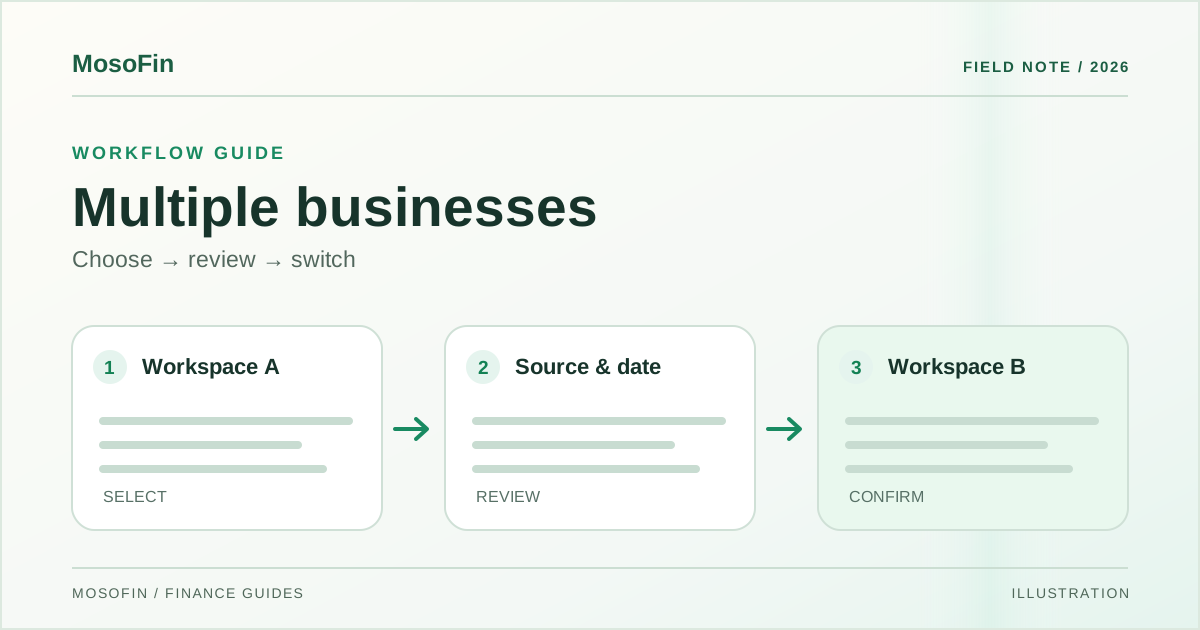
Quick answer: Select the first workspace, open Business Health, check the source and reporting date, investigate one signal, and verify the answer. Switch workspaces before asking about the next business.
A practical review, step by step
The video moves through two example companies. Its sequence is a useful checklist for an owner or an accounting firm:
- Choose the business. Read the workspace name before interpreting any number. A question about the wrong entity can produce a plausible but useless answer.
- Open Business Health. Check which source is connected and when the displayed data was last updated. Note the reporting period.
- Pick one signal. In the example, orders that have not shipped warrant a closer look. Do not assume every open order is late or every delay is a cash problem.
- Ask a focused follow-up. State the business, time window, and measure. For example: “For this business, which orders were still unshipped at month end? Show the source records and dates.”
- Check the answer. Compare the response with the source records. Resolve missing or stale data before taking action.
- Switch to the second business. Repeat the same checks in its workspace. Avoid carrying the first company’s context into the second question.
The video shows ChatGPT and Claude as places to continue the question. It also mentions Grok and Muse as options. See MosoFin connections for current availability and setup details in your account.
What a useful answer should show
Suppose a dashboard says orders are unshipped. “There is a problem with fulfillment” is too broad. A better answer names the company, the date range, the number of orders, the specific records, and the status on each record. It also says when the source was last refreshed. The owner can then ask whether the delay reflects stock, shipping, a late status update, or something else.
Keep orders, invoices, and cash receipts distinct. An order may not be invoiced. An invoice may not be paid. A business-health review becomes more useful when the AI answer preserves those boundaries and links back to the evidence.
For a finance-focused next step, see how to connect multiple QuickBooks accounts and how to read a profit and loss statement.
Frequently asked questions
Can I review more than one business in MosoFin?
The tutorial shows selecting one business workspace at a time, checking its Business Health view, then switching to a second workspace for a separate review.
Are the businesses and AI answers in the video real customer data?
No. The tutorial uses sample businesses and simulated AI replies to demonstrate the workflow.
What should I check before trusting an AI answer?
Confirm the business workspace, connected source, reporting date, and underlying records. Recheck any decision that affects money or operations.
Sources
- MosoFin — Manage Multiple Businesses with AI | MosoFin Tutorial, November 9, 2026. This video is a demonstration with sample businesses and simulated AI replies.
- MosoFin — Connections and security, for current product context.