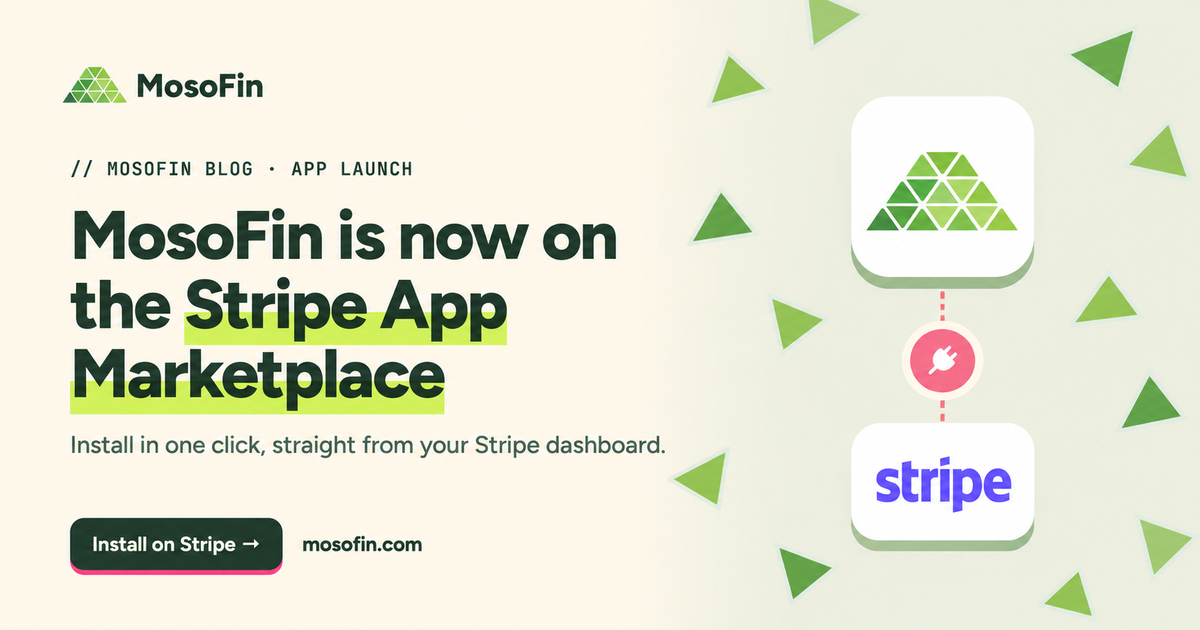
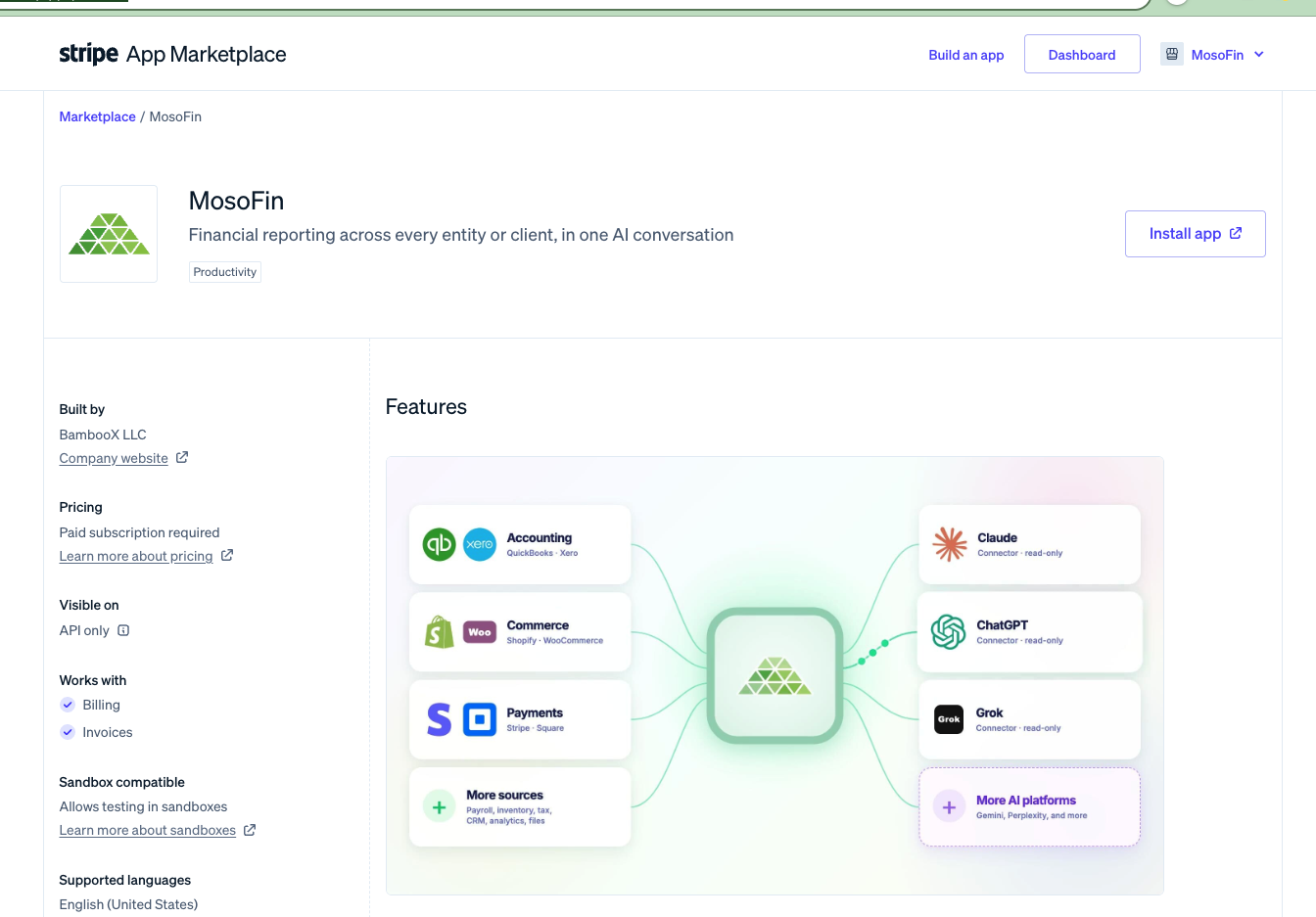
MosoFin has a public listing on Stripe’s App Marketplace describing read-only financial reporting across entities or clients. In the September 24, 2026 review, a signed-in screenshot showed an Install app button; the signed-out page showed a disabled Install from partner button. We have not verified a completed Stripe connection or the data it returns. QuickBooks remains MosoFin’s confirmed live accounting-data source.
What the listing shows
In the September 24 listing review, Stripe displayed MosoFin as an API-only app for Billing and Invoices. The listed permissions were read-only and covered accounts, balances, charges and refunds, disputes, invoices, payouts, subscriptions, and other Stripe records. The listing said a paid MosoFin subscription is required.
Those are the permissions described for the app, not a verified list of records MosoFin currently retrieves. Confirm the actual data coverage and setup path with an end-to-end connection test before using it for a finance review.
Where QuickBooks and Stripe could help together
The first useful review would be a payout-to-books exception list. Stripe shows the charges, refunds, fees, adjustments, and payout behind a bank deposit. QuickBooks shows what was recorded. A reviewer could ask which payout IDs do not tie to the corresponding deposit, with the unmatched records grouped by entity and currency. Stripe’s balance-transaction API supports filtering transactions by automatic payout ID, while QuickBooks’ Stripe Connector guide explains how payouts and fees can appear in the books.
Two follow-on reviews are worth testing:
- Refunds and disputes: find Stripe refunds or disputes that need a matching QuickBooks entry or explanation, without counting a refunded sale as current revenue.
- Invoice-to-cash timing: compare a paid Stripe invoice or charge with its QuickBooks invoice, payment, and deposit. Flag missing links, date differences, and processing fees before month-end review.
These are proposed read-only checks, not released MosoFin Stripe workflows. They should return the source records and an exception list for a person to resolve. They should not create a second bookkeeping sync or change Stripe or QuickBooks.
What you can use today
QuickBooks remains MosoFin’s confirmed live accounting-data source. MosoFin publishes setup guides for Claude, ChatGPT, Grok, and Muse. Those guides do not verify that the Stripe connection retrieves live data. For a Stripe payout review today, compare Stripe and QuickBooks reports directly. See how MosoFin works or review the current plan.
Check the Stripe listing and MosoFin’s current setup documentation before relying on this connection for a finance review.